Every route. Every bus. Always connected.
Instant, encrypted communications for bus drivers, depots and dispatch
- Encrypted voice
- Live GPS
- Driver SOS
- Bus dispatch
- Trip reports
Built for
- Long-distance coaches
- Urban transit
- School & staff buses
- Tour & travel operators
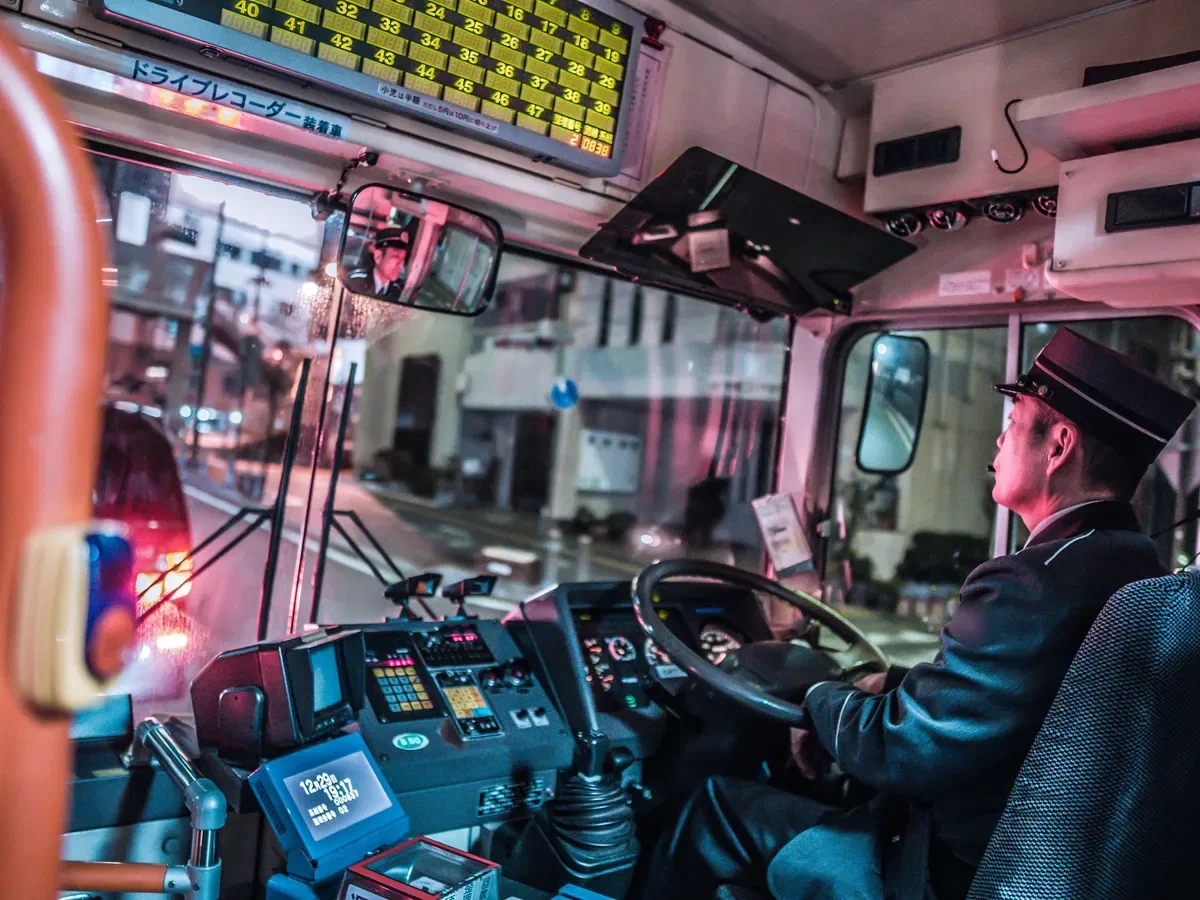
Protecting drivers, passengers and schedules on every trip
Instant communications for the moments bus operations are most at risk
Bus fleets earn on uptime, and drivers spend long hours on busy roads with full loads of passengers. When a bus breaks down, is delayed or goes quiet, dispatch needs to know who, where and what at once, and the driver needs one button to get help.
Where bus operations are exposed
| Risk point | What goes wrong today | How Tactiron responds |
|---|---|---|
| Slow crew & bus assignment | Depot calls drivers one by one to fill a departure | One press reaches every ready bus and crew; the nearest bus takes the trip |
| Unknown bus location | Dispatch calls drivers to ask where they are | Live GPS map of every bus, updated in real time |
| Passenger & driver safety | Breakdowns or incidents with no quick way to call for help | One-touch SOS sends voice and location; base can listen in on alert |
| Stop & depot queues | No view of how many buses are waiting at a stop, gate or bay | Geofenced stops and bays show who is queued; buses are called forward by push-to-talk (PTT) |
| Phones while driving | Drivers handle phones on the highway, risking fines and accidents | Hands-free PTT through the in-cab terminal |
| Passenger disputes & incidents | No record of route, timing or what was said | GPS history, trip reports and call playback for passenger, regulator and insurer queries |
One channel for drivers, depots and dispatch
In-cab terminals, handhelds and the desktop dispatcher share encrypted talk groups. Dispatch reaches one driver, one route or the whole fleet, and tracks every bus on one map. AES-256 encryption keeps schedules, routes and passenger details private.
A trip, step by step
What drivers and dispatch see at each stage
| Stage | Driver | Dispatch & depot |
|---|---|---|
| Shift start | Driver checks in on the in-cab terminal; bus and crew confirmed | Bus appears live on the map, grouped by route |
| Departure | Driver confirms boarding and departure with one press | Departure time logged automatically in the trip report |
| Stops | Driver confirms arrival and departure at each stop by PTT | Every stop time recorded; delays visible live |
| On the road | Hands-free updates through the in-cab terminal; SOS one press away | Live tracking; alert if the bus leaves its permitted route |
| Incident | SOS sends voice, ID and GPS position instantly | Alarm on screen; nearby buses and response partners alerted |
| Return to depot | Driver confirms arrival and submits end-of-shift report | Full record: route, stop times and calls for audit and queries |
Push-to-talk vs phone calls and messaging apps
| Feature | Tactiron | Phone calls & messaging apps |
|---|---|---|
| Speed | One press reaches every bus and crew | One call at a time |
| Hands-free | In-cab terminal built for driving | Phone in hand on the highway |
| Location | Live GPS map, geofenced stops and trip reports | Ask the driver |
| Driver safety | SOS, man-down and listen-in on alert | None built in |
| Records | Call playback and GPS history | Scattered across personal phones |
| Control | Company devices and talk groups | Personal numbers that leave with drivers |
Every kind of bus operation on one platform
Configured for each type of operator
-
Long-distance coach operators
Departure and stop times reach dispatch live, with every driver on one route map.
-
Urban transit operators
Dispatch to drivers and crews at the stop, with a record of every departure.
-
School & staff buses
See every pickup and drop-off, with SOS for driver and attendant safety.
-
Tour & travel operators
Coordinate drivers and guides across attractions, hotels and border crossings, hands-free.
-
Shuttle & airport transfers
Track every transfer trip and keep drivers' hands free and on the wheel.
-
VIP & corporate transport
One channel for drivers, hostesses and the travel desk, on and off the road.
Deployment & support
-
Rollout planned around your shifts, routes and depots, with in-cab installation coordinated per vehicle.
-
Talk groups set up to match your routes, depots, stops and key customer accounts.
-
Driver and crew training: calling, talk groups, SOS, man-down, geofences and dispatch.
-
Local technical and warranty support.
Why bus companies switch
-
More departures filled on time: assignments reach the nearest ready bus in one press.
-
Safer drivers and passengers: every driver can raise the alarm, even if they cannot speak.
-
Fewer disputes: every route, departure and call is kept for passengers, insurers and regulators.